
TeamViewer
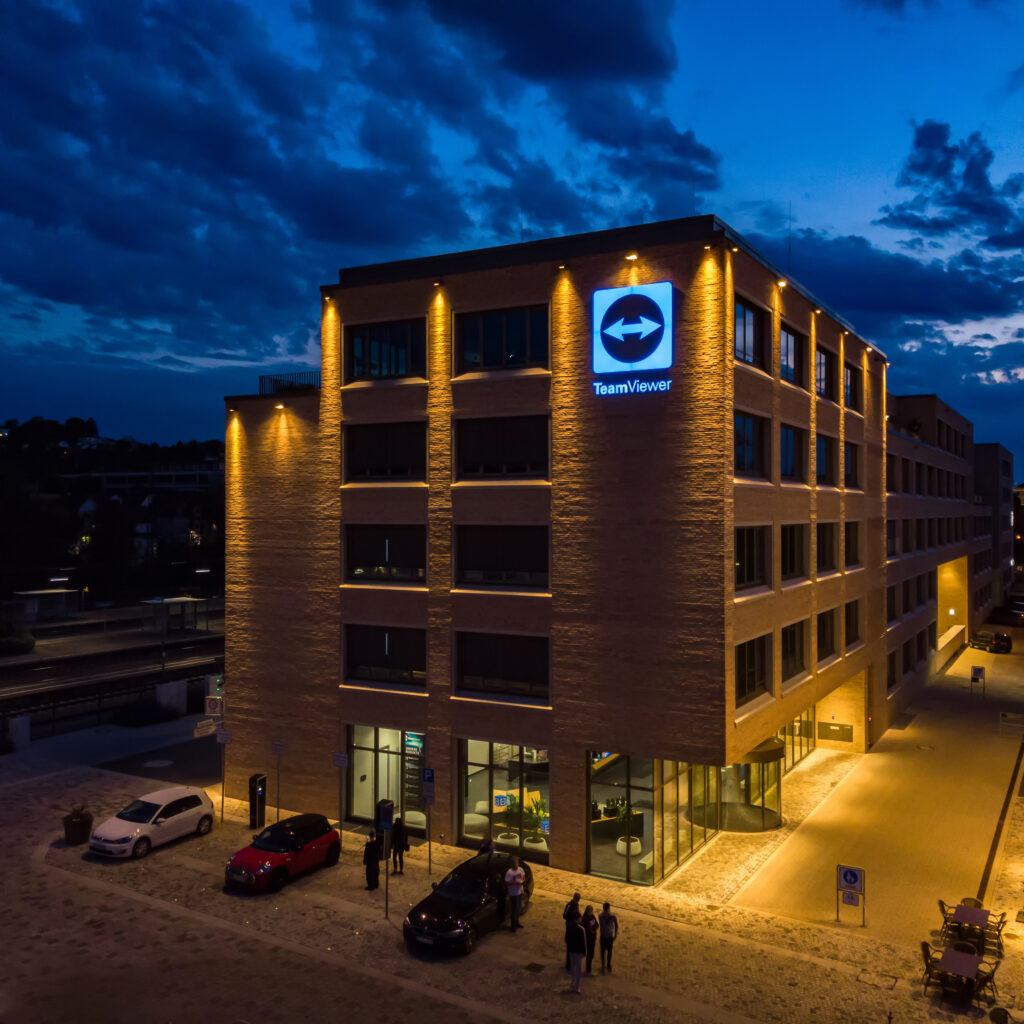
As part of the product design team at TeamViewer, I always tried to shape the best user experience and drive product innovation. Here’s a glimpse into what i did:
Getting to Know Our Users: I teamed up with the user research department to uncover what makes our users tick. It’s all about listening and learning to make our products better.
Sketching User Journeys and flows: I enjoyed mapping out user journeys, mainly using the JBTD format. It’s like piecing together a puzzle of how our users interact with what we create.
Team Collaboration: I was in sync with four different scrum teams to bring fresh ideas to life and spruce up our devices page. I was part of the whole feature cycle for every functionality, starting from the concept phase until the finished design handover.
Quality Checkpoint: I worked closely with our QA team to ensure that what we build matched the designs we spent time on creating. It’s about keeping our standards high.
Crafting Mockups and Prototypes: I put together high-fidelity mockups and prototypes using components from the TeamViewer Design system. It’s like building the blueprint for our developers and be the connecting part between them and the actual users.
I’m passionate about making the products I am working on not only functional, but delightful to use!
My working areas
For the time I worked at TeamViewer, I served as the lead designer for every topic in regards to the devices and enterprise features, working with four different development teams including PO’s, QA’s and Developers.
In April of 2023, TeamViewer unveiled a significant version update marked by substantial enhancements to the site’s user experience and interface.
Throughout the entirety of this project i had the role of the primary point of contact in regard to the user experience for one of the most critical pages within the entire application: the device page. This section stands as the primary domain where IT support personnel spend approximately 90% of their time. It serves as the central hub for device management and connection establishment. It is also by far the most used page and feature for bigger enterprise users.
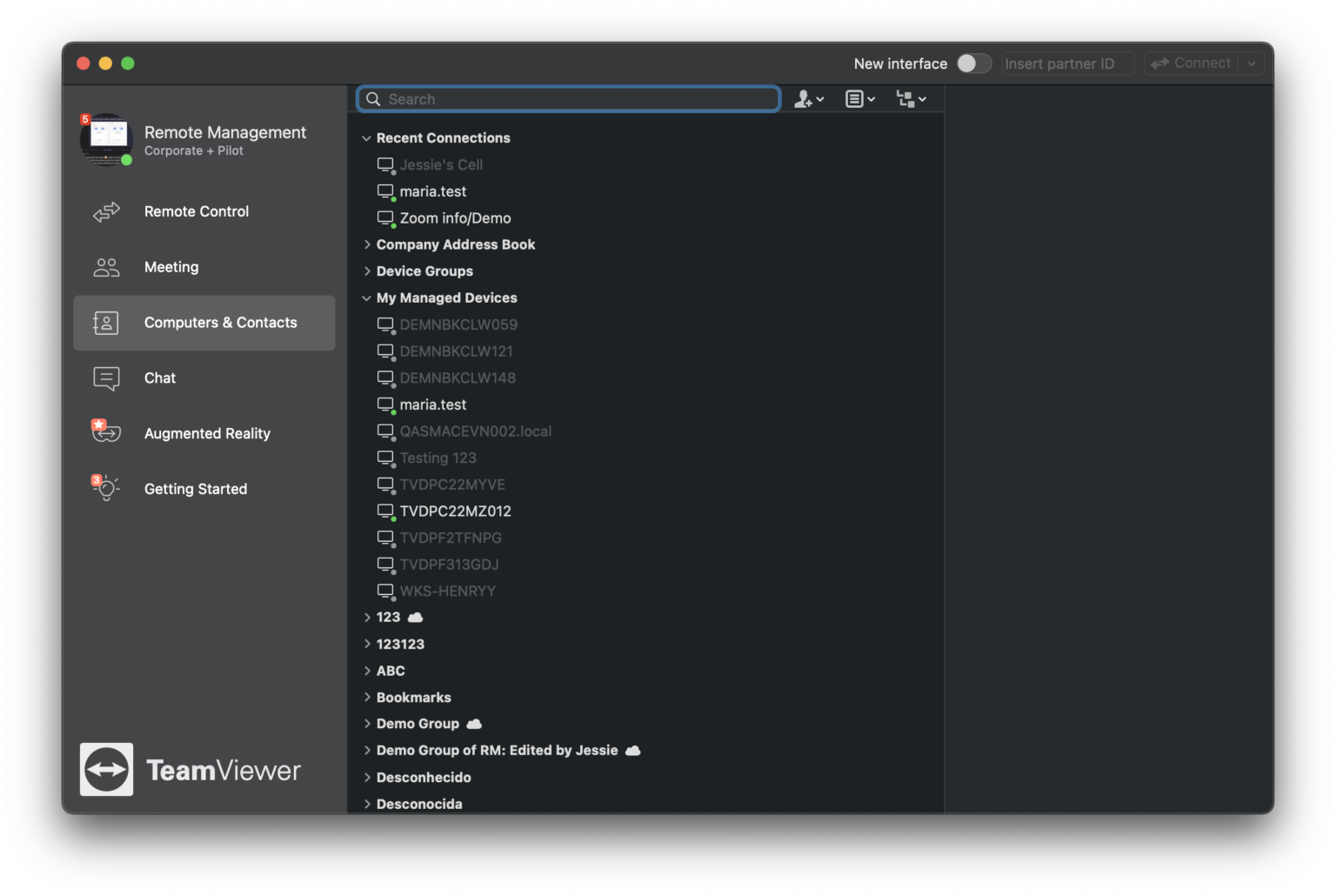
Below, you’ll find a showcase of how the old and the newly redesigned app looks.
Old TeamViewer Desktop app
New TeamViewer Desktop app
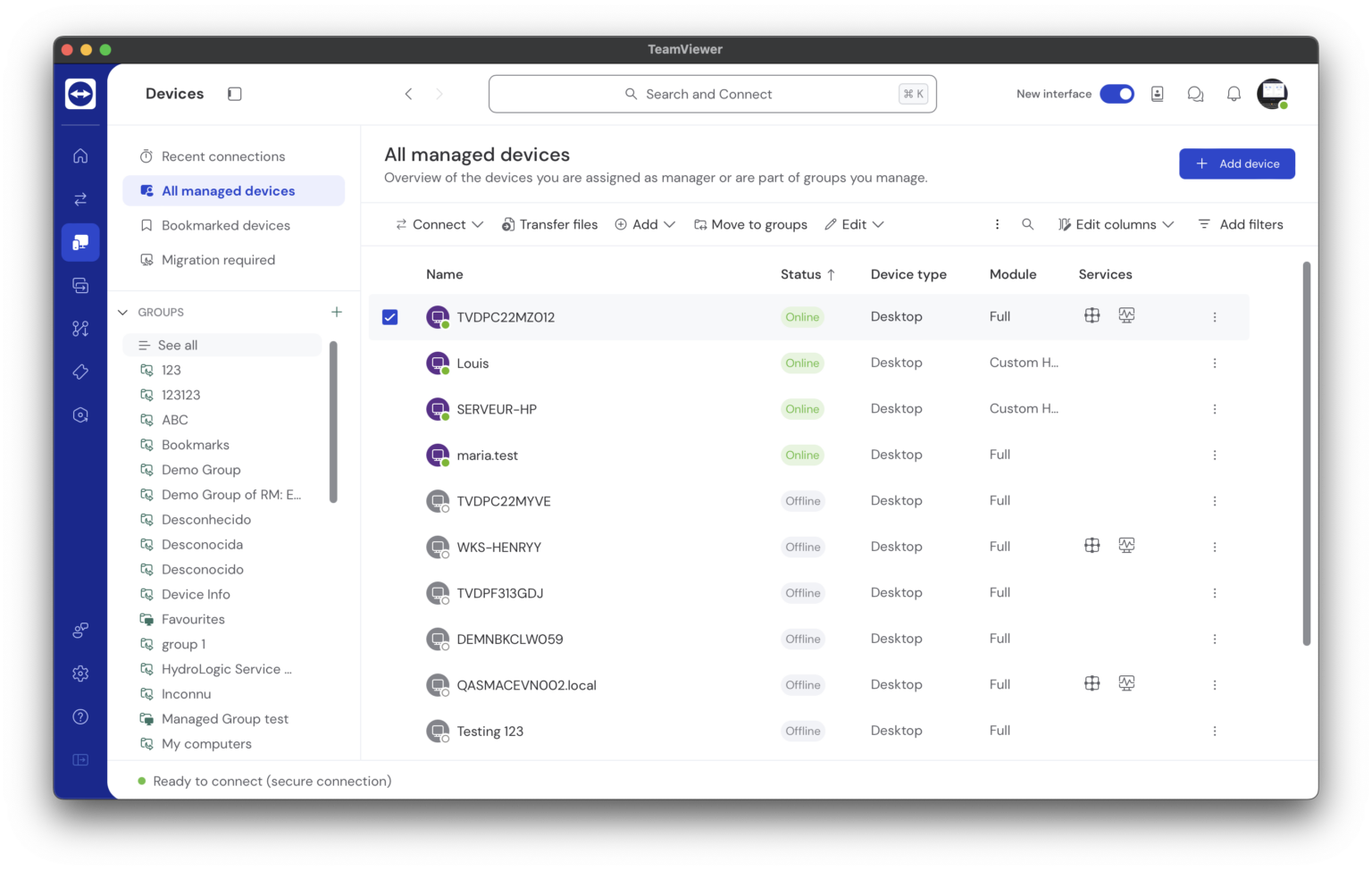
We introduced also a web version of the TeamViewer app!